
模型与 MCP
待识别

rea
morluto
Reverse engineer anything with agents, from app behavior down to native binaries.
PROJECT TOPICS
INSTALL REFERENCE
dsh plugin --profile web add github:Eclipse-NotFound/dsh-usage-replay
该命令指向仓库当前默认分支;尚无绑定当前 commit 的完整验证结果。
PROJECT README
中文 | English
Cross-session per-model token usage for DeepSeek Harness: a usage panel tab, a per-conversation per-model popover, and two local read-only HTTP routes. Every number is replayed from the harness's own persisted session logs — nothing is accounted in a side channel, so uninstalling never loses data and history predating this plugin counts too.
Tokens only. No cost estimates, no price tables, no network calls.
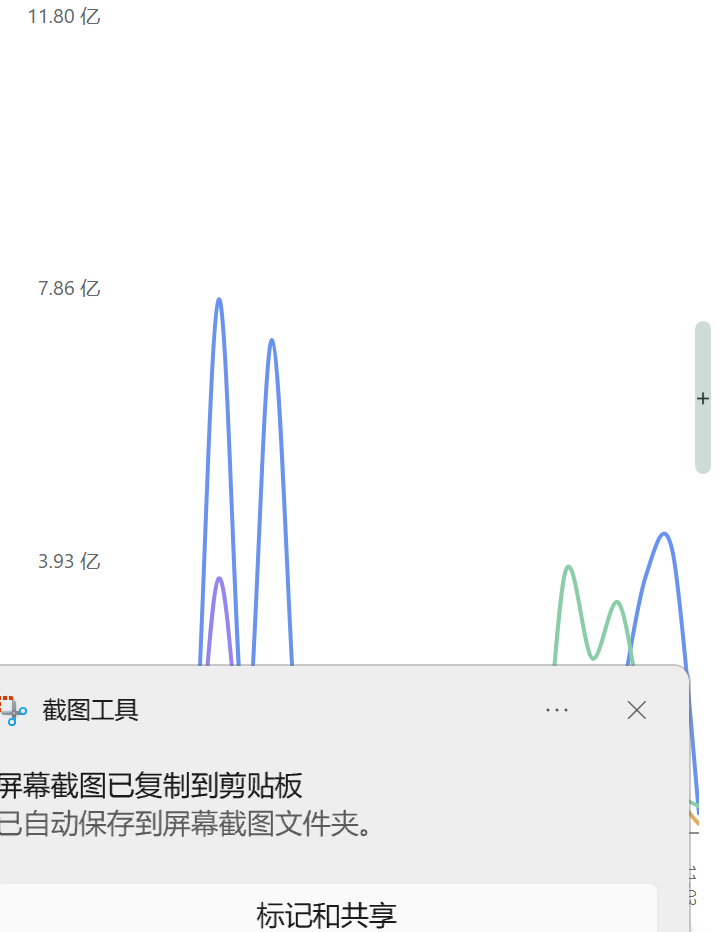
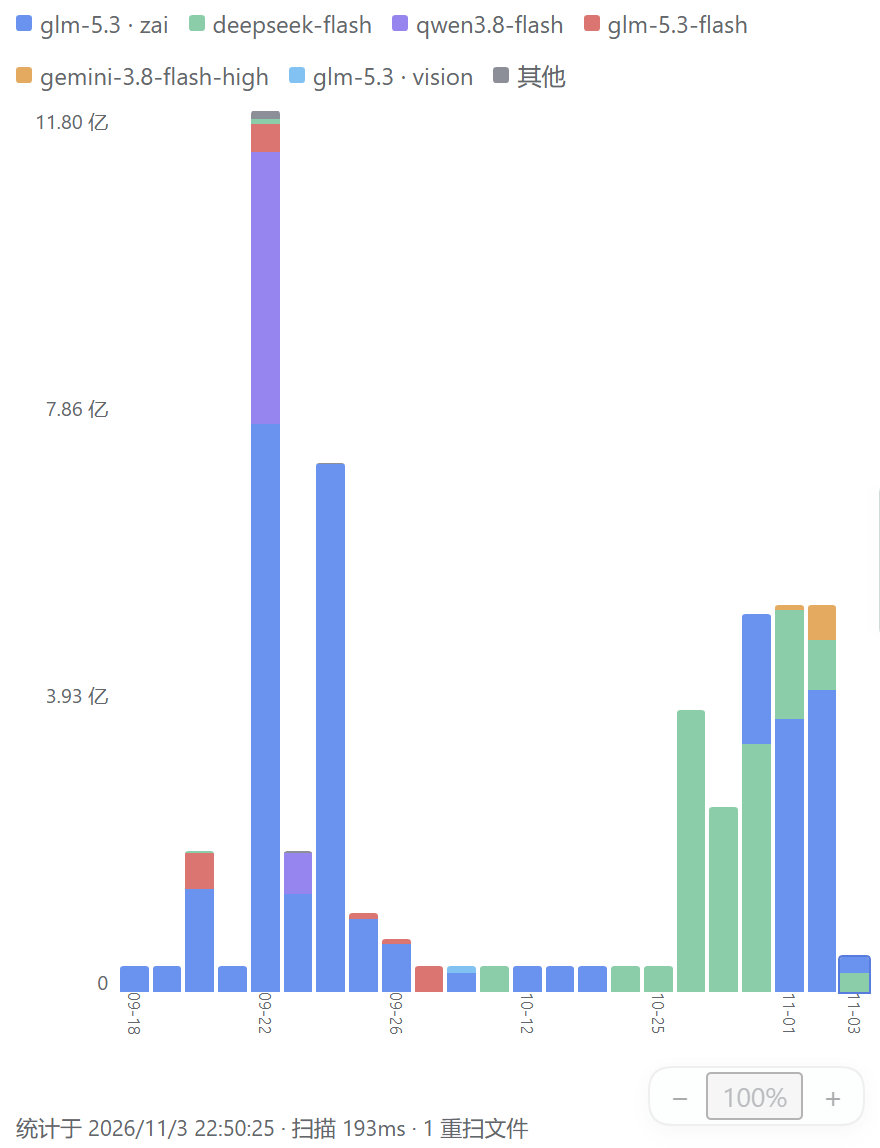
Usage panel tab (needs dsh-better-sidebar ≥ 0.28): register a 用量 / Usage tab in the right sidebar.
cwd, with each workspace's model mix.Composer-dock pill — a neutral 分模型 / Per-model chip next to the native activity/usage pills; click to open this conversation's per-model table (model / requests / input / output / cache read / cache write / total). No duplicated totals in the dock row.
The native changed-files card summarizes each turn from git working-tree snapshots, so in a workspace shared by several sessions (or edited by a running watcher) it can list files this conversation never touched. Enabling sessionScopedEdits: true narrows that card to the files this conversation's file tools actually touched in the turn:
fs/write-intent / fs/edit-intent per session and turn (the same events the recorder itself uses) and filters the workspaceChanges service summary in place, remapping per-file diff indexes so the card UI keeps working unchanged. Reversible on unload; turns the plugin did not observe fall back to the native summary.Off by default (it changes another plugin's observable behavior). Enable it in the plugin row config:
- id: usage-replay
  config:
sessionScopedEdits: true$DSH_HOME/sessions (default ~/.dsh/sessions) for session[.vN].jsonl[.zstd] artifacts, decodes the multi-frame Zstandard container frame by frame (torn tail tolerated), and folds assistant/message usage events into the provider/model of the most recent request/header envelope.size + mtime; unchanged files are never re-read.GET /usage-replay/api/summary, GET /usage-replay/api/session?sessionId=… — loopback/trusted-host admission through the host's Connection service, same fence as every other plugin route. Nothing sensitive is returned beyond per-model token numbers.Requires DeepSeek Harness 0.2.1+ (uses the 0.2.1 Connection service).
# from the community market (dsh-market) or npm
dsh plugin --profile <profile> add dsh-usage-replay

# or straight from this repo
dsh plugin --profile <profile> add https://github.com/Eclipse-NotFound/dsh-usage-replay
Desktop app profiles are managed by the app: install from its Plugins page with the package path/spec instead of the CLI. A new host half needs an app restart; client-only updates apply after a hard refresh.
dsh-better-sidebar is an optional peer: without it the sidebar tab is not registered and the composer-dock pill still works.
No dependencies, no build step. Node 22.19+ / 24 (host runtime) is enough.
node test/offline-check.mjs # self-contained: synthetic multi-frame zstd logs + route checksMIT
CLASSIFICATION EVIDENCE
系统优先读取 GitHub Topics,再与站内分类词典和词根规则比对。当前命中: deepseek-harness。
morluto
Reverse engineer anything with agents, from app behavior down to native binaries.

deepseek-ai
DeepSeek Harness: Everything is a Plugin.

nexu-io
The 1st Collaborative AI Design Agent Workspace. Local-first and open source. Create motion, prototypes, websites, apps, dashboards, presentations, images, and videos with your team and AI agents. Share work, exchange feedback, and iterate together in one workspace.