
其他
完整应用

deepseek-harness
deepseek-ai
DeepSeek Harness: Everything is a Plugin.
PROJECT TOPICS
INSTALL REFERENCE
dsh plugin --profile web add github:Clizo1209/dsh-playwright-browser
该命令指向仓库当前默认分支;尚无绑定当前 commit 的完整验证结果。
PROJECT README
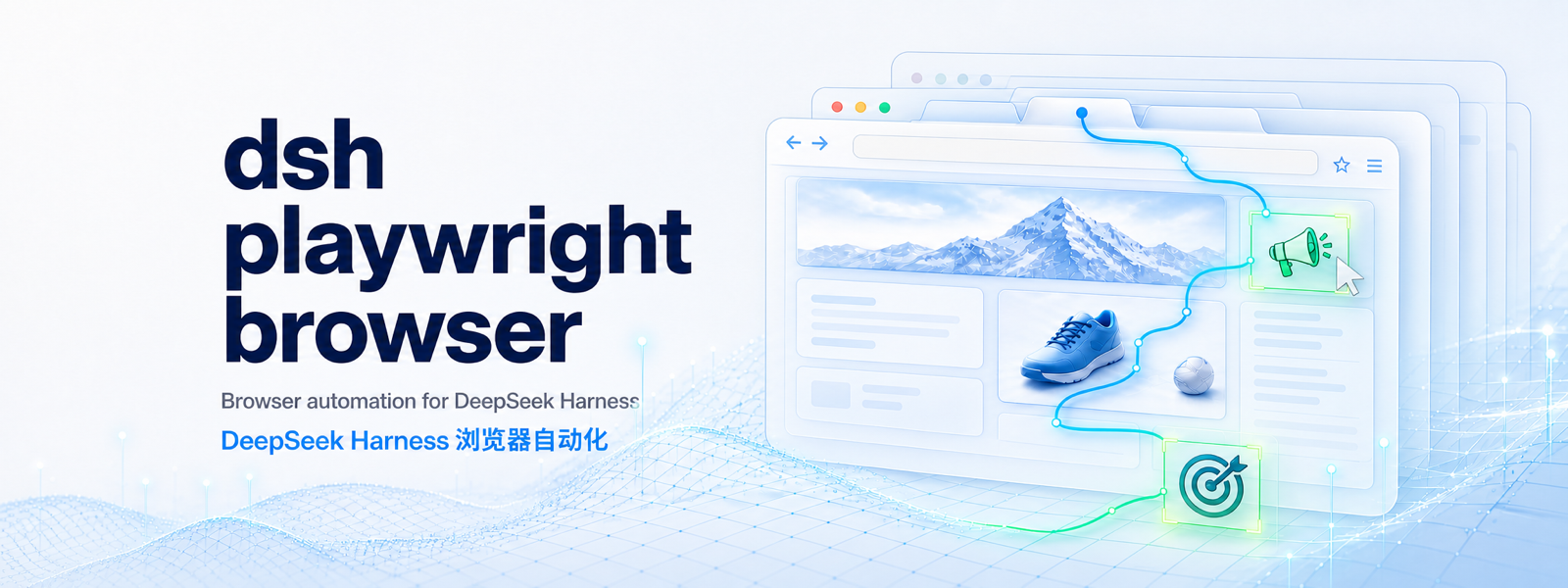
Semantic, multi-tab browser automation for DeepSeek Harness (DSH), powered by Playwright.
The plugin gives a DSH agent a persistent browser controller, accessibility-oriented snapshots, semantic locators, screenshots, navigation history, and explicit tab management. It is behaviorally inspired by the Codex Browser skill, but contains no Codex runtime code and does not depend on OpenAI browser bindings.
[!IMPORTANT] DSH is currently a developer preview. This plugin is tested against the DSH
0.1.0-rc.6package line and may need compatibility updates as DSH evolves.
browser_* tools registered in the DSH tool registry.role=button|Save, label=Email, and text=Settings.button|Save and textbox|Email.^22.19.0 or >=24.0.0.npx playwright install chromium; orexecutablePath.From npm:
dsh plugin --profile web add dsh-playwright-browserFrom this checkout:
npm install
npm pack
dsh plugin --profile web add ./dsh-playwright-browser-0.1.3.tgz
For a headless profile:
dsh plugin --profile headless add ./dsh-playwright-browser-0.1.3.tgzVerify the composed profile without starting it:
dsh --profile web --dump-configGit installations run the package prepare script. pnpm 10 and later may require explicitly allowing that build in the profile's pnpm-workspace.yaml. A prebuilt npm package or tarball does not require a source build inside the profile.
DSH applies user overrides after installed bundle patches. Add a row like this to the profile's cordis.patch.yml:
- id: playwright-browser
  config:
    browser: chromium
    channel: chrome
    headless: true
    viewportWidth: 1440
    viewportHeight: 900
    screenshotDir: .dsh-browser/screenshots
Supported options:
| Option | Default | Purpose |
|---|---|---|
browser |
chromium |
chromium, firefox, or webkit |
headless |
true |
Run without a visible browser window |
channel |
— | Chromium channel such as chrome or msedge |
executablePath |
— | Absolute browser executable path |
userDataDir |
— | Dedicated persistent automation profile |
viewportWidth |
1280 |
Browser viewport width |
viewportHeight |
800 |
Browser viewport height |
actionTimeoutMs |
15000 |
Locator/action timeout |
navigationTimeoutMs |
30000 |
Navigation timeout |
maxSnapshotChars |
40000 |
Maximum returned snapshot length |
screenshotDir |
.dsh-browser/screenshots |
Screenshot output directory |
Do not point userDataDir at a personal browser profile. Use a directory dedicated to the agent.
| Tool | Description |
|---|---|
browser_open |
Open a tab and optionally navigate it |
browser_navigate |
Navigate an existing tab |
browser_snapshot |
Read a bounded accessibility or text snapshot |
browser_click |
Click a semantic target |
browser_fill |
Replace an input value and optionally press Enter |
browser_press |
Send a Playwright keyboard key |
browser_wait |
Wait for a target, URL, or load state |
browser_history |
Go back, forward, or reload |
browser_screenshot |
Save a PNG and return its absolute path |
browser_tabs |
List, select, or close tabs |
Preferred target forms:
role=button|Save
button|Save
label=Email
placeholder=Search
text=Settings
testid=submit
css=#legacy-buttonnpm install
npm run checkLive tests:
npm run smoke
npm run smoke:dsh
npm run smoke:business
npm run test:real-world
The real-world suite uses public demonstration sites and invented data. It writes sanitized logs and screenshots under .dsh-browser/, which is ignored by Git.
See Testing, Architecture, and Releasing for the full workflows.
The behavioral mapping from the Codex Browser skill is documented in Codex Browser design mapping. In short, this project adopts persistent bindings, explicit tab ownership, semantic targeting, fresh observations, safe session boundaries, and cleanup discipline. It replaces Codex-specific browser selection and transport with a self-managed Playwright controller and DSH-native tools.
Read CONTRIBUTING.md before opening a change. Security issues should follow SECURITY.md. Community participation is governed by CODE_OF_CONDUCT.md.
CLASSIFICATION EVIDENCE
系统优先读取 GitHub Topics,再与站内分类词典和词根规则比对。当前命中: 无有效分类标签。
deepseek-ai
DeepSeek Harness: Everything is a Plugin.

anywhere-labs
为 DeepSeek Harness (DSH) 插件生态打造的现代化桌面端解决方案。万物皆「插件」,桌面本身也是「插件」。

walkinglabs
Harness engineering beginner tutorial, from 0 to 1