
其他
完整应用

deepseek-harness
deepseek-ai
DeepSeek Harness: Everything is a Plugin.
PROJECT TOPICS
INSTALL REFERENCE
dsh plugin --profile web add github:AikenFra/dsh-alive
该命令指向仓库当前默认分支;尚无绑定当前 commit 的完整验证结果。
PROJECT README




A zero-token online status indicator for the DeepSeek Harness (dsh) web UI. 为 DeepSeek Harness (dsh) Web 界面提供零 token 消耗的在线状态指示器。
在会话窗口右上角常驻显示 ● 在线 / ● 离线 状态点,每 15 秒自动检测一次。完全不调用 LLM,零 token 消耗——只是浏览器对本地服务做一次进程内的 HTTP 心跳。
An always-visible ● Online / ● Offline indicator in the conversation header, auto-refreshed every 15 seconds. It costs zero tokens — the browser simply polls a process-local HTTP endpoint.
● 在线(绿色)| ● 离线(红色) — 会话窗口右上角常驻显示:
| 在线 / Online | 离线 / Offline |
|---|---|
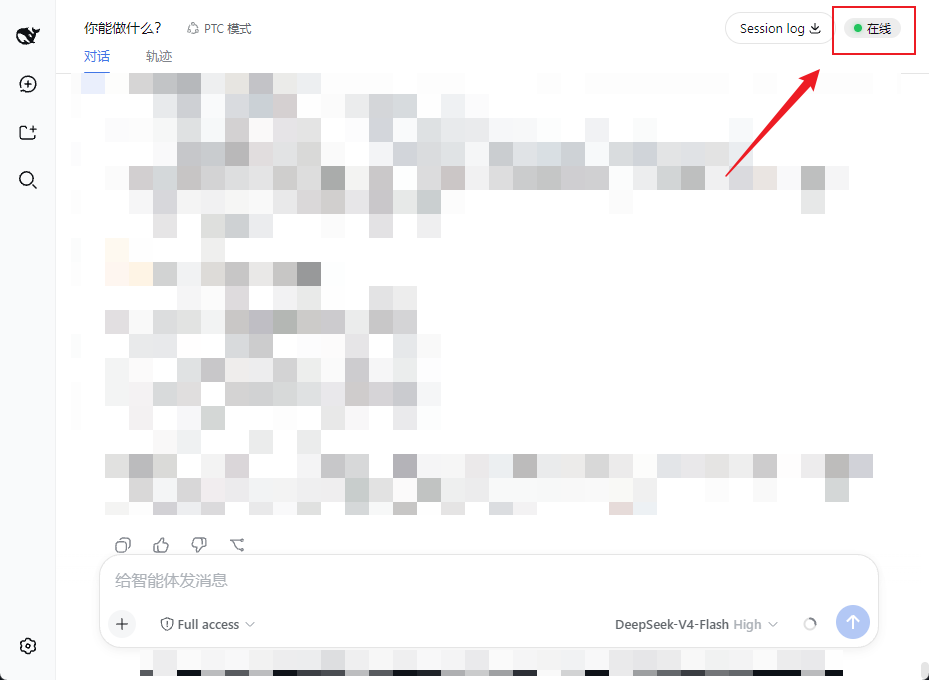 |
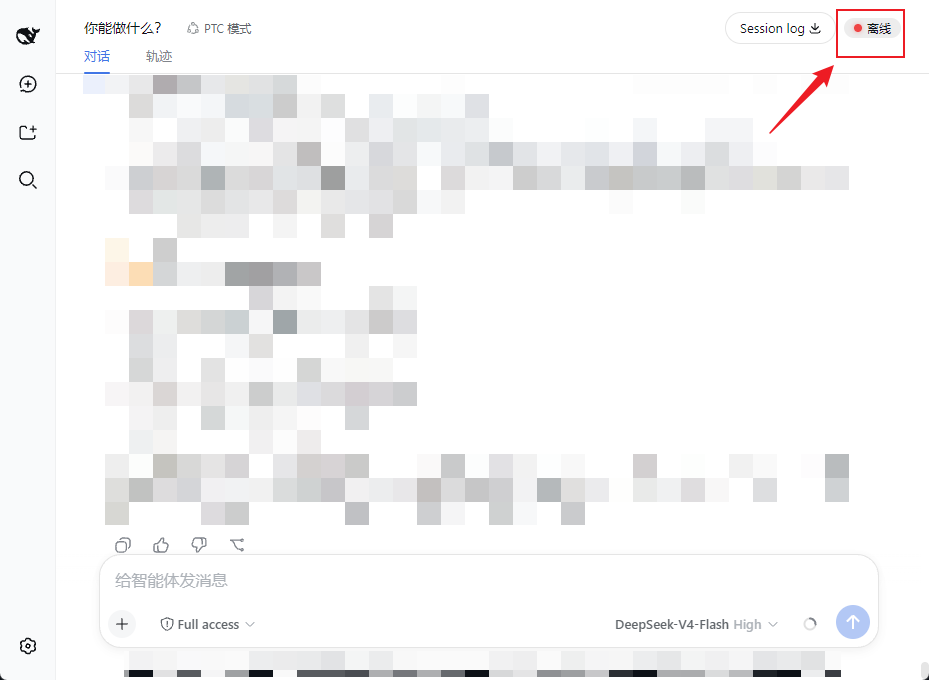 |
浏览器页面 --(每 15s fetch)--> GET /dsh-alive/ping --> dsh 服务进程(直接应答)
| 零 LLM 调用,零 tokenGET /dsh-alive/ping,立即返回 {"ok":true},不经过任何模型。conversation.session.header.utilities,用 setInterval 每 15 秒轮询一次 ping 端点,根据响应更新状态点。需要已安装 DeepSeek Harness(
dsh)。适用于webprofile。
# 装进 web profile(npm 发布后)
dsh plugin --profile web add dsh-alive

# 重启服务
dsh web重启后打开页面,按 Ctrl+F5 强制刷新,右上角即可看到状态点。
把本仓库放到 ~/.dsh/profiles/web/dsh-alive,然后:
~/.dsh/profiles/web/package.json 的 dependencies 加 "dsh-alive": "file:./dsh-alive"dsh.profile.bundles 列表追加 "dsh-alive"dsh web 并硬刷新页面dsh plugin --profile web remove dsh-alive
dsh webdsh 0.1.0-rc.6(web profile)conversation.session.header.utilities)与 webServer 服务注入,要求 dsh web 客户端框架版本匹配dsh-alive/
├── package.json # 插件清单(dsh.bundle / dsh.client)
├── cordis.patch.yml # bundle 挂载声明
├── dsh/
│ └── index.js # 后端:/dsh-alive/ping 进程内端点
└── client/
└── client.js # 前端:状态点组件 + 15s 轮询CLASSIFICATION EVIDENCE
系统优先读取 GitHub Topics,再与站内分类词典和词根规则比对。当前命中: 无有效分类标签。
deepseek-ai
DeepSeek Harness: Everything is a Plugin.

walkinglabs
Harness engineering beginner tutorial, from 0 to 1

anywhere-labs
为 DeepSeek Harness (DSH) 插件生态打造的现代化桌面端解决方案。万物皆「插件」,桌面本身也是「插件」。