
其他
完整应用

deepseek-harness
deepseek-ai
DeepSeek Harness: Everything is a Plugin.
PROJECT TOPICS
PROJECT README
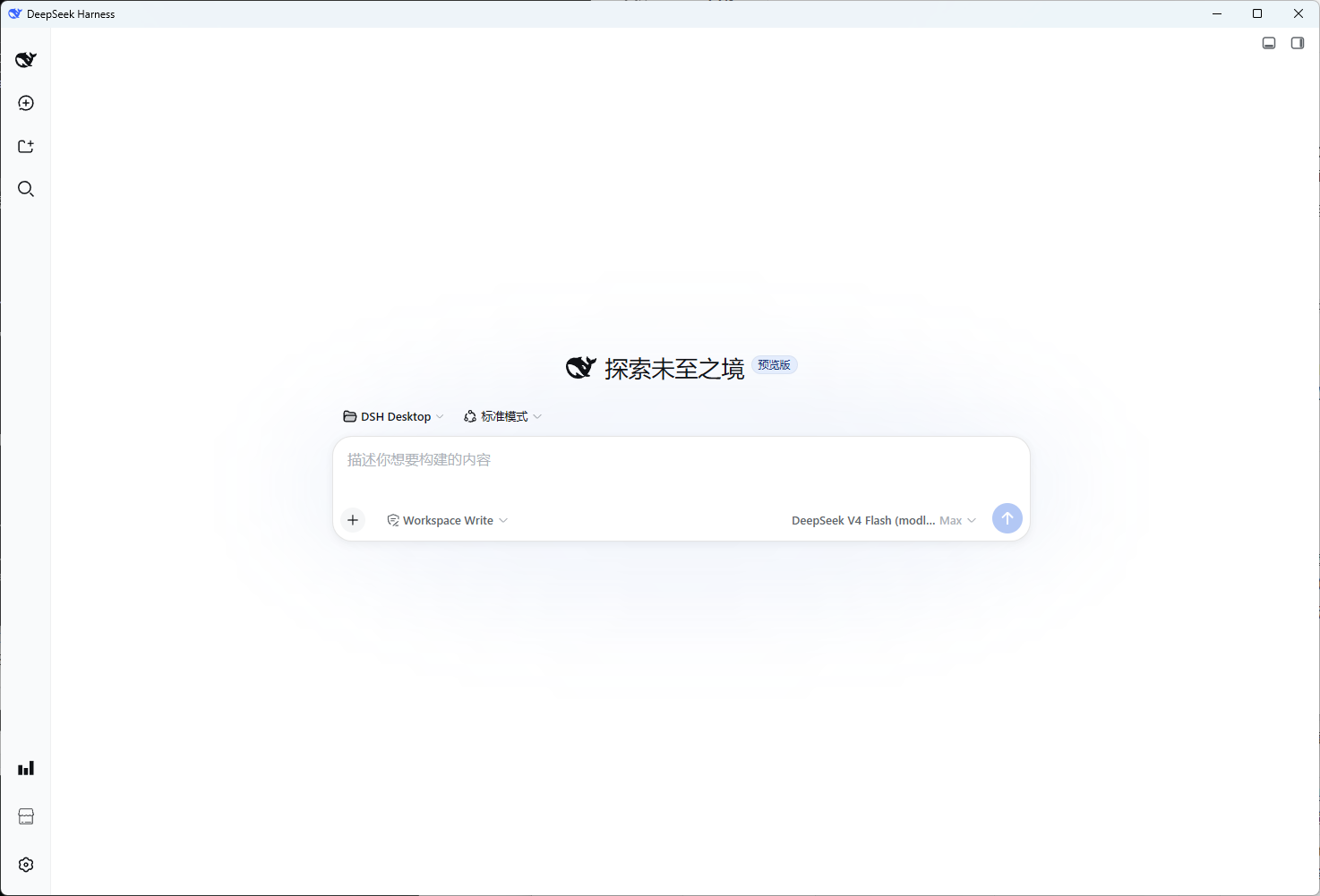
简体中文 | English
DSH Desktop 的官方 client 插件:把「插件市场」和「DSH Desktop 设置」装进 dsh web 侧栏。
市场发现、安装、更新、启停一次搞定,配置面板与桌面端共享同一套 host bridge。
sidebar.footer.action),点击打开页内市场面板;settings.section),展示软件介绍与 dshd 配置。所有能力通过 chrome.webview.hostObjects.dshdesktop 与 DSH Desktop 主窗口通信(GitHub 发现、dsh plugin 安装、环境/配置读写都在 host 侧完成),浏览器侧不做特权操作。
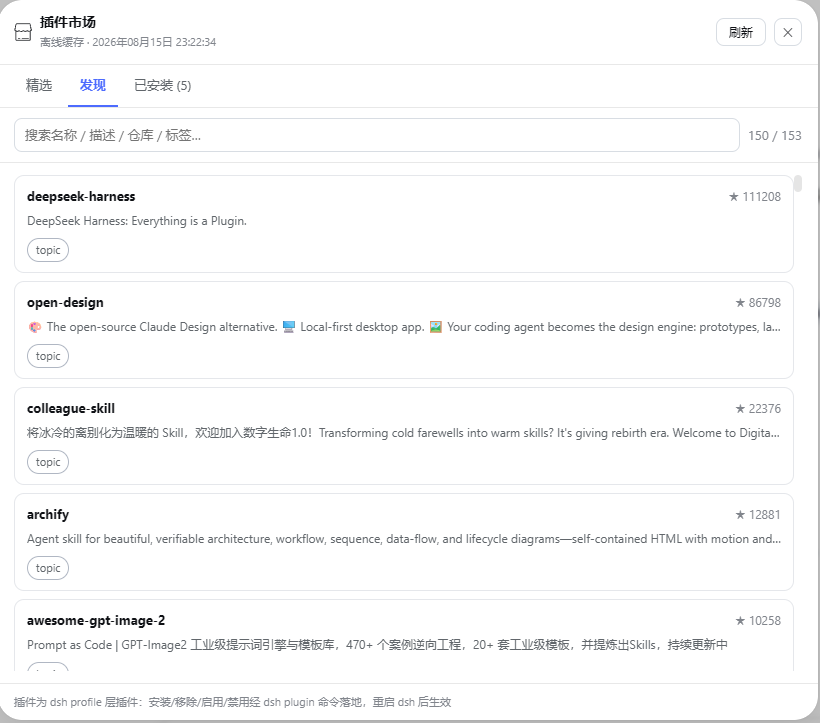
⚠️ 安装功能尚不完善,敬请期待。 当前「发现」tab 支持浏览、搜索与查看详情;安装 / 更新 / 启停等操作正在打磨中,部分插件(如 git 仓库安装、带构建脚本的包)可能无法顺利安装,建议先以官方插件(
@dshd/dshdesktop-client、@dshd/dsh-usage)体验完整流程。
dsh-plugin / dsh-plugins,配置可改)+ 社区收录目录(seed catalog),按 star 排序、去重、本地缓存(24h,断网回退缓存)dsh-plugin/dsh-plugins topic 的仓库——宽泛 topic(如 deepseek-harness)搜到的非插件项目不会出现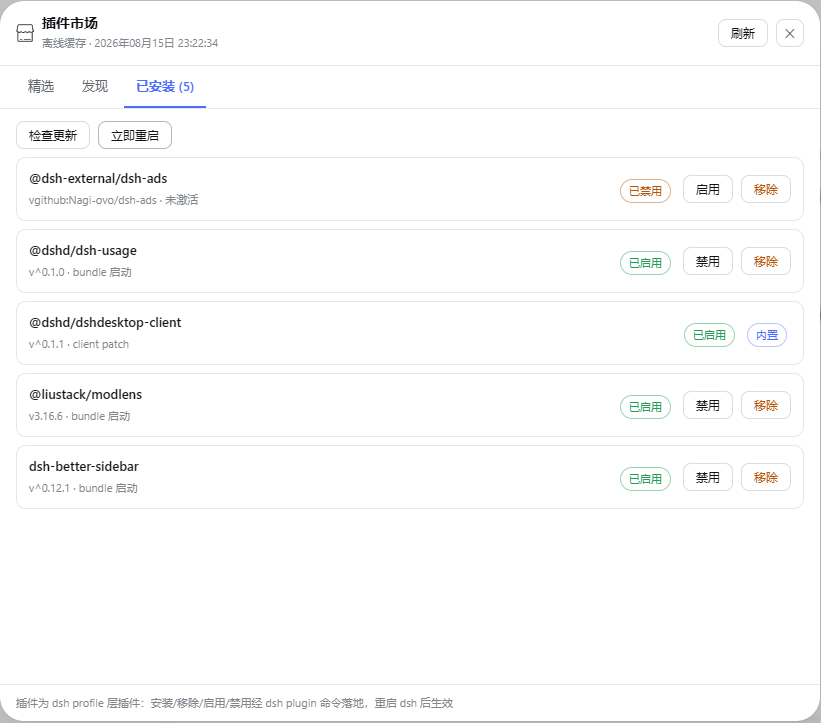
dsh plugin 落地,重启 dsh 生效)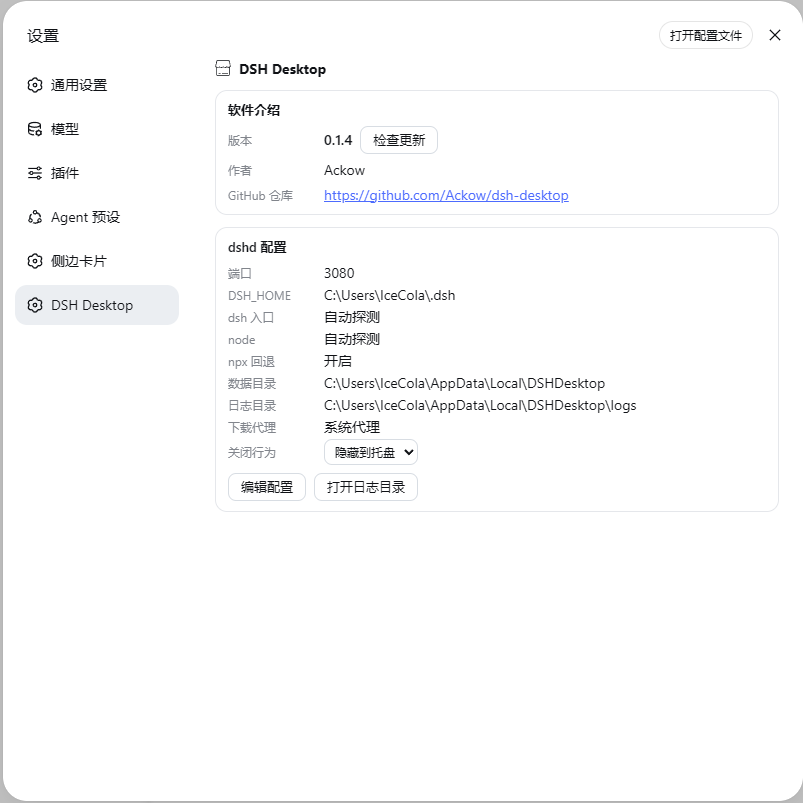
chrome.webview.hostObjects.dshdesktop(host object,须在导航前注入);市场目录、插件生命周期、配置读写都在 host 侧dsh.bundle 的走 dsh.profile.bundles,纯 dsh.client 走 DSH Desktop 激活 patch;无 dsh 标记的包不激活(dsh 拒绝加载无 dsh.bundle 的 bundle,会崩启动)github:owner/repo 装后按包自身 package.json 的 name 识别真实包名,写入 bundles/patch 的是真实名而非 github: 前缀http://127.0.0.1:7890),经 HTTP(S)_PROXY 环境变量传给 pnpmdsh plugin --profile web add @dshd/dshdesktop-client
# 重启 dsh web 后,侧栏设置按钮上方出现「插件市场」,设置面板出现「DSH Desktop」DSH Desktop 首次启动会自动安装本插件(EntryInstaller:装入 + 写激活 patch + 加入 patchFiles)。
# 本地目录安装(跳过 npm)
mkdir -p ~/.dsh/profiles/web/node_modules/@dshd/dshdesktop-client
cp package.json index.js client.js ~/.dsh/profiles/web/node_modules/@dshd/dshdesktop-client/
# 在 ~/.dsh/profiles/web/package.json 的 dependencies 与 DSH Desktop 的激活 patch 加入 @dshd/dshdesktop-client
# 修改后重新 cp,重启 dsh web 生效
client.js —— dsh client 插件入口(ESM,apply/inject;市场面板 + 设置区)index.js —— host 侧薄入口(无 host 逻辑,桥由桌面端注入)publish.ps1 —— 一键发布到公共 npm(npm login 后执行)| 项 | 说明 | 默认 |
|---|---|---|
marketplaceTopics |
GitHub 发现 topic 列表 | dsh-plugin、dsh-plugins |
marketplaceCacheHours |
市场缓存小时数 | 24 |
githubToken |
GitHub 令牌(提升限流),或 GH_TOKEN |
— |
proxyUrl |
下载代理(直连留空) | — |
MIT — Copyright (c) 2026 Ackow。
CLASSIFICATION EVIDENCE
系统优先读取 GitHub Topics,再与站内分类词典和词根规则比对。当前命中: 无有效分类标签。
deepseek-ai
DeepSeek Harness: Everything is a Plugin.

walkinglabs
Harness engineering beginner tutorial, from 0 to 1

anywhere-labs
为 DeepSeek Harness (DSH) 插件生态打造的现代化桌面端解决方案。万物皆「插件」,桌面本身也是「插件」。